
AI 3D Model Generators, From Prompt to Usable Prop
A generated mesh is a starting point. This is the guide to what happens next: which generator suits the job, and what it takes to turn the output into something a game engine or a printer will accept.
“a weathered brass lantern, game ready”
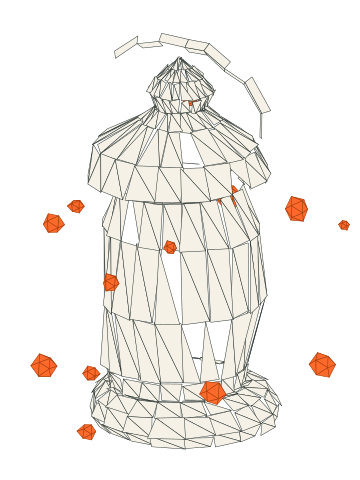
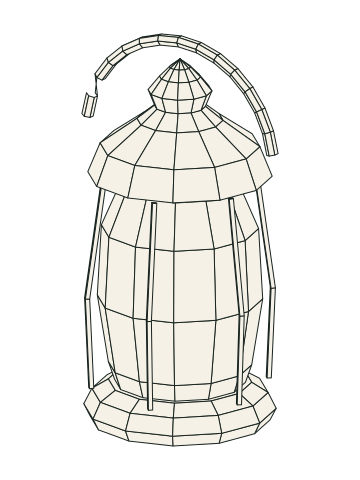
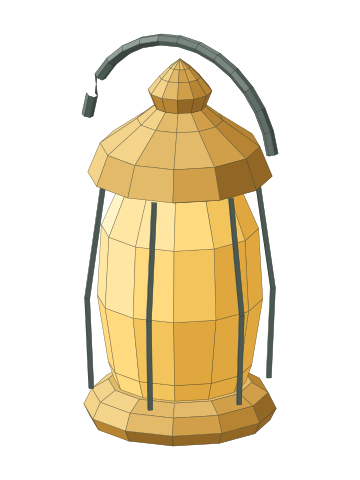
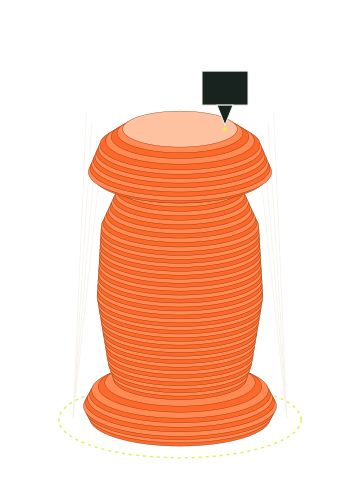
Illustration drawn for this site. Not generator output or a test result.
An AI 3D model generator can turn a sentence or a picture into a mesh within minutes. Whether that mesh can go into your game, onto your print bed, or into a store you sell through is a different question, and it’s the one this site is built around.
Start with what you are trying to make.
I’m making a game
Choosing a tool comes first: see the best AI 3D generators for game assets, or weigh two widely compared options in Meshy vs Tripo.
Raw output usually needs work before it behaves in an engine. Go to cleanup for retopology, UVs and LODs, rigging for characters, and engine import for Godot, Unity and Unreal. Before you ship, check whether you can use the output commercially.
I’m 3D printing
Start with the best AI 3D model generators for 3D printing, then see the full 3D printing section for image-to-STL, slicer repairs and what is and is not confirmed about the model-sharing sites.
I just want to try it
Free AI 3D model generators explains what free tiers really give you, including license limits that matter later. Not sure where to begin? The generator picker narrows the field by your constraints.
Everything on the site
- Best-of guides by job
- Reviews of individual generators
- Comparisons and alternatives
- Same-prompt test program
- Cleanup, rigging, game engines and 3D printing
- Licensing and real costs
- How-to guides and planning tools
How to read this site
Our generator pages are currently based on published pricing, documentation, license terms and attributed third-party reports. Each one says so, and each shows when it was last checked. Original same-prompt tests are planned but have not been run, and our methodology sets out how they will work.
One mesh, two very different finish lines
A game engine and a printer ask for opposite things from the same file. Pick your finish line early, because it changes which generator you want and how much cleanup you are signing up for.
- 01PromptsWrite the prompt or prepare the reference image.
- 02GeneratorsChoose the generator that suits the job and the budget.
- 03CleanupRetopology, repair, UVs and normals.
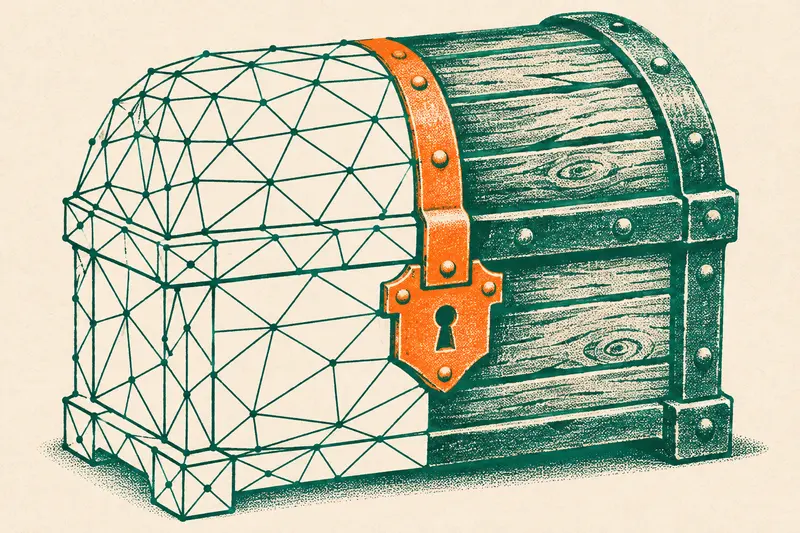
For a game
Sensible triangle counts, clean UVs, a skeleton that bends, correct scale and pivots.
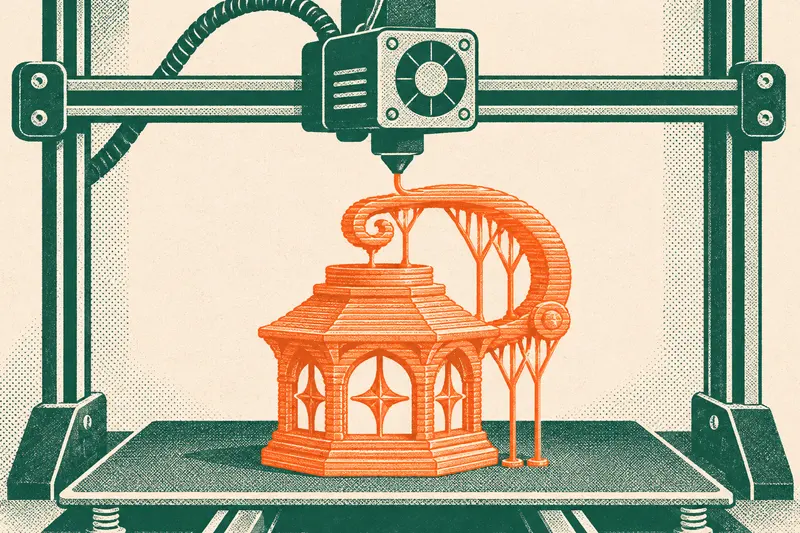
For a print
A closed, watertight volume, walls thick enough to survive, real-world size, and supports that come off.
Where most jobs start
- Best generators · Buying guideBest AI 3D Model Generators in 2026Source-based
- Compare · ComparisonMeshy vs Tripo: Which AI 3D Generator Should You Pay For?Source-based
- Cleanup · How-toRetopology for AI 3D Models: Which Method to UseSource-based
- Licensing · License guideCan You Use AI-Generated 3D Models Commercially?Source-based
- 3D printing · Buying guideBest AI 3D Model Generators for 3D PrintingSource-based
- Cost · How-toCost per Usable AI 3D Asset: Credits, Retries and Cleanup TimeSource-based
Find your section
Choose a generator
Compare what they document, cost and allow.
 Best generators
 Compare
 Reviews
 Test protocols
Make it usable
Turn raw output into something that works.
 Cleanup
 Rigging
 Engines
 3D printing
Before you commit
Rights, money and method.
 Licensing
 Cost
 Guides
 Tools
Every page says what it's based on
Each page carries a stamp, so you can tell documentation from measurement at a glance.
Read the method- Source-basedWritten from published docs, pricing and terms, with sources listed.
Tools for the bench
- Credit cost calculatorWhat one usable asset costs once retries and cleanup count.
- Polycount budgetCheck a mesh against published limits, or your own budget.
- Print-readiness checklistCompare your model with published limits before it reaches the slicer.
- Prompt builderAssemble a structured prompt for a game or print job.
- Generator pickerRule out generators on documented facts and keep a short list to try.
- License matrixPlan-by-plan license terms, with the date each was read.