
Tool bench
AI 3D Planning Tools
Free planning tools for AI 3D work: a credit cost calculator, generator picker, license matrix, polycount budget and print-readiness checklist.
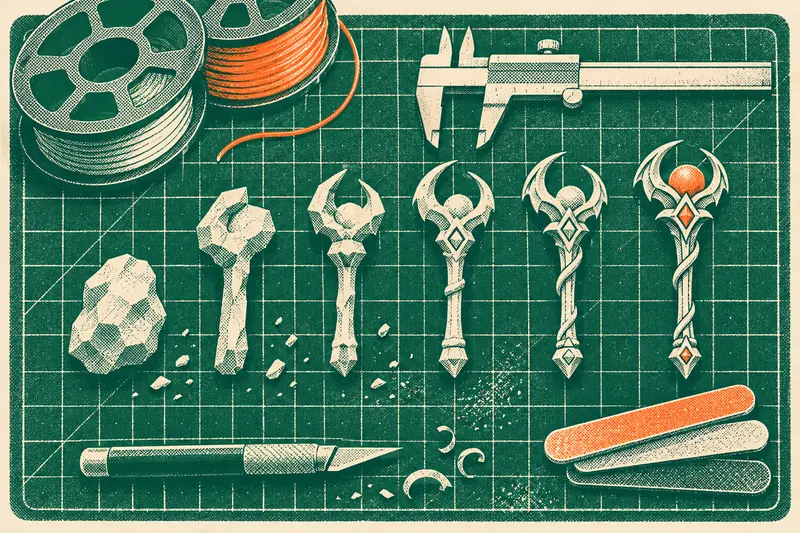
These tools are for planning: working out what a project will cost, which generator suits it, and whether a model is ready for its destination. Six of the seven work in your browser now, and each page also shows its method and a worked example. The results browser stays empty until test data exists. Figures come from dated public information and from your own inputs, so treat the results as estimates.
Decide
- Which AI 3D generator should I use?: the elimination method for narrowing by your constraints
- AI 3D license matrix by plan: a dated reading of vendor pages, with gaps marked “not confirmed”
Budget
- AI 3D credit and cost calculator
- Polycount and texture budget calculator: published platform limits and the arithmetic
More on this in what AI 3D assets really cost.
Build
- 3D prompt builder: a template structure, not an optimizer
- AI model print-readiness checklist: pass criteria with manufacturer figures
Explore
- Test results browser and 3D viewer: this will show data from our test program once tests have been run. No results exist yet.
On the bench 7 tools
- Works nowAI 3D Credit and Cost CalculatorWhat one usable asset costs once retries and cleanup count.
- Works nowWhich AI 3D Generator Should I Use?Rule out generators on documented facts and keep a short list to try.
- Works nowAI 3D License Matrix by PlanPlan-by-plan license terms, with the date each was read.
- Needs dataResults Browser and 3D ViewerInspect archived test outputs.
- Works nowPolycount and Texture Budget Calculator for Game PlatformsCheck a mesh against published limits, or your own budget.
- Works now3D Prompt BuilderAssemble a structured prompt for a game or print job.
- Works nowAI Model Print-Readiness ChecklistCompare your model with published limits before it reaches the slicer.